How it works
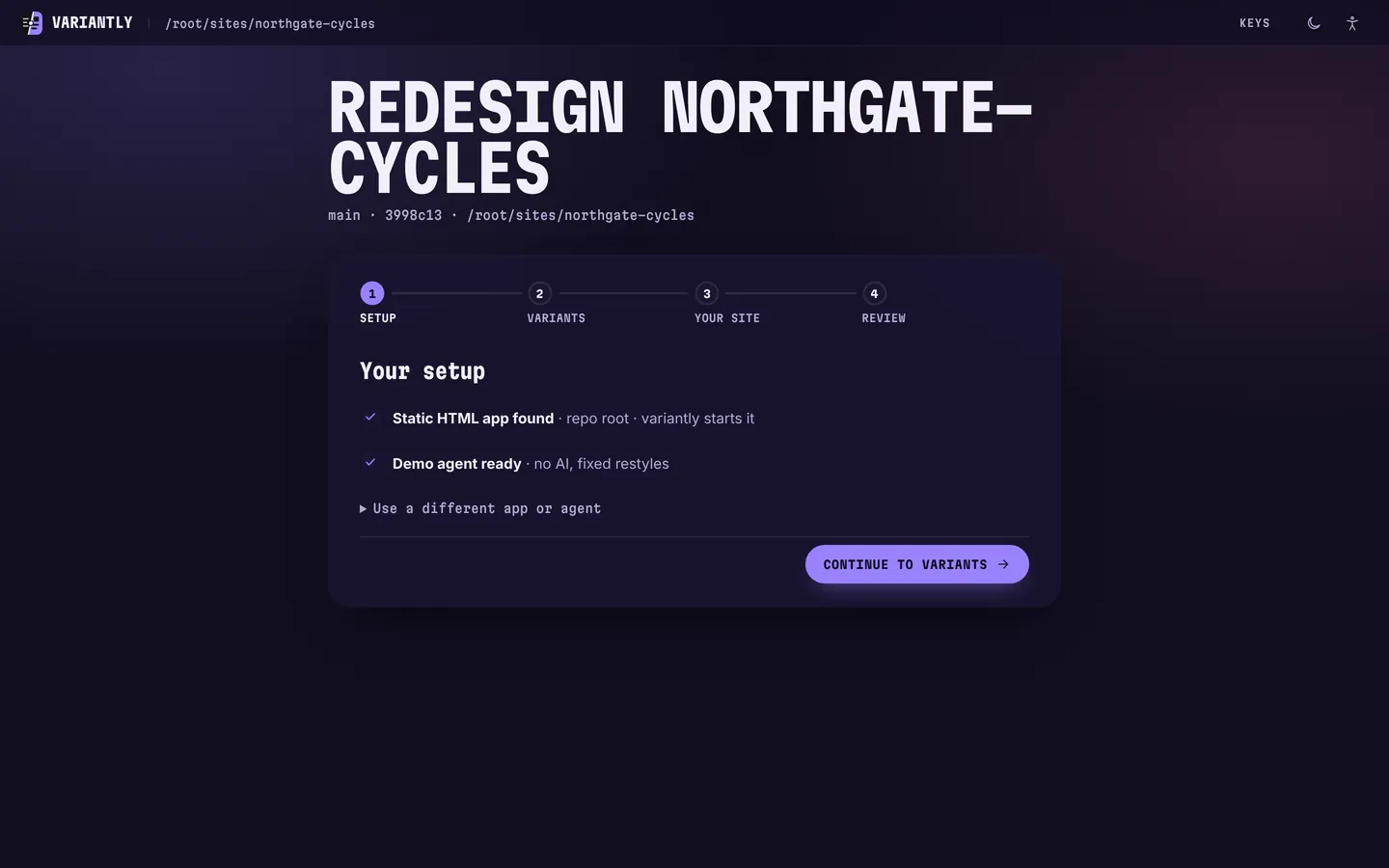
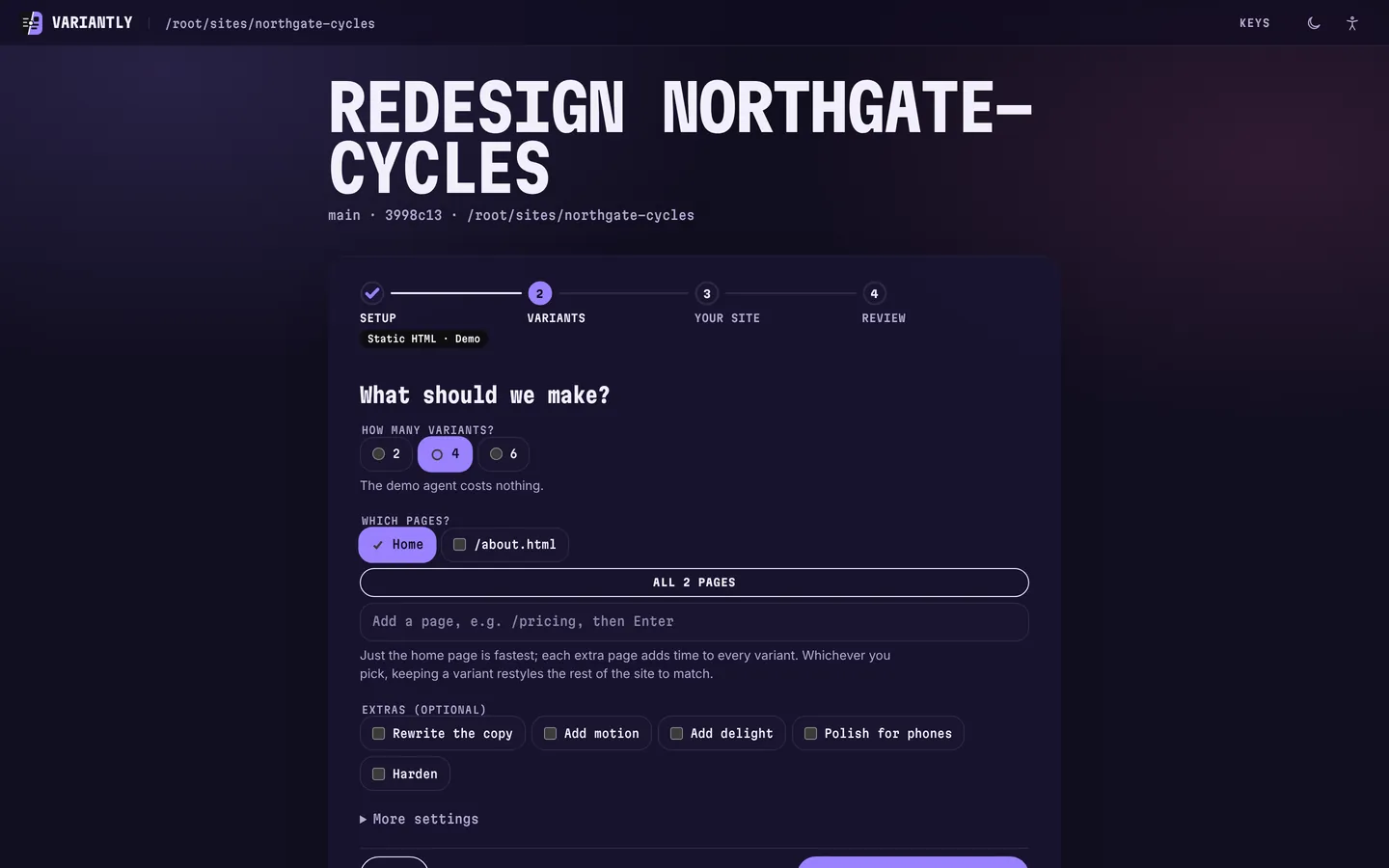
One real run, screen by screen: variantly making four designs for Northgate Cycles, a made-up bike shop. The screens follow your theme, light or dark.
These were taken with the demo agent, which applies fixed restyles so you can try the whole flow for free. With your own AI assistant, each design is a full redesign by Impeccable (variantly installs it if it's missing): see real ones in the demo.
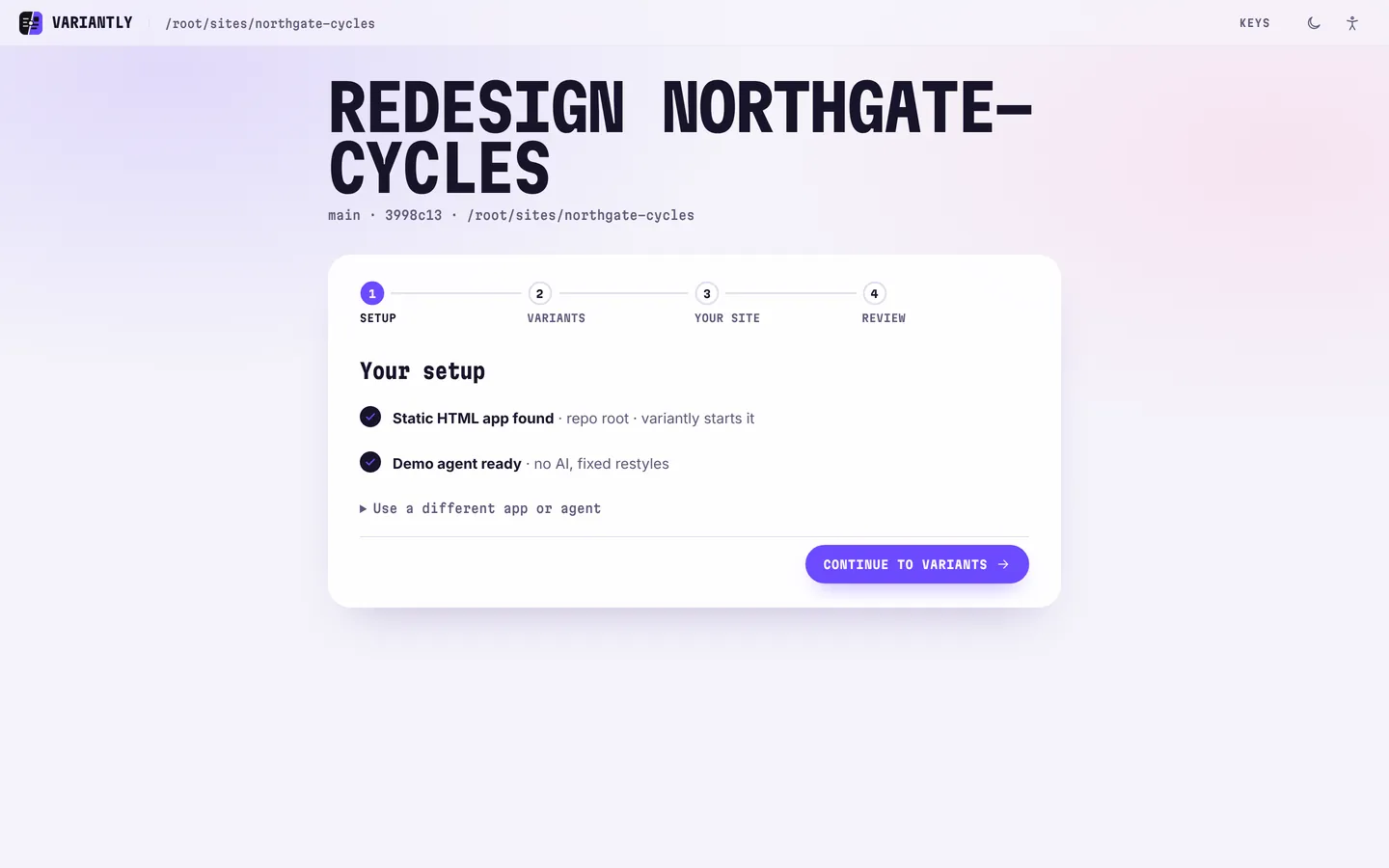
- Setup · step 1 of 4
Step 1: Run one command
In your site’s folder, run
npx variantly. A page opens in your browser at localhost:4477. It has already found your site and your AI assistant.- Static HTML found: variantly starts the site itself.
- Here the demo agent is picked: no AI, no account, nothing spent.
- Something missing? The fix is written right on the card.
localhost:4477Demo agent · Northgate Cycles - Variants · step 2 of 4
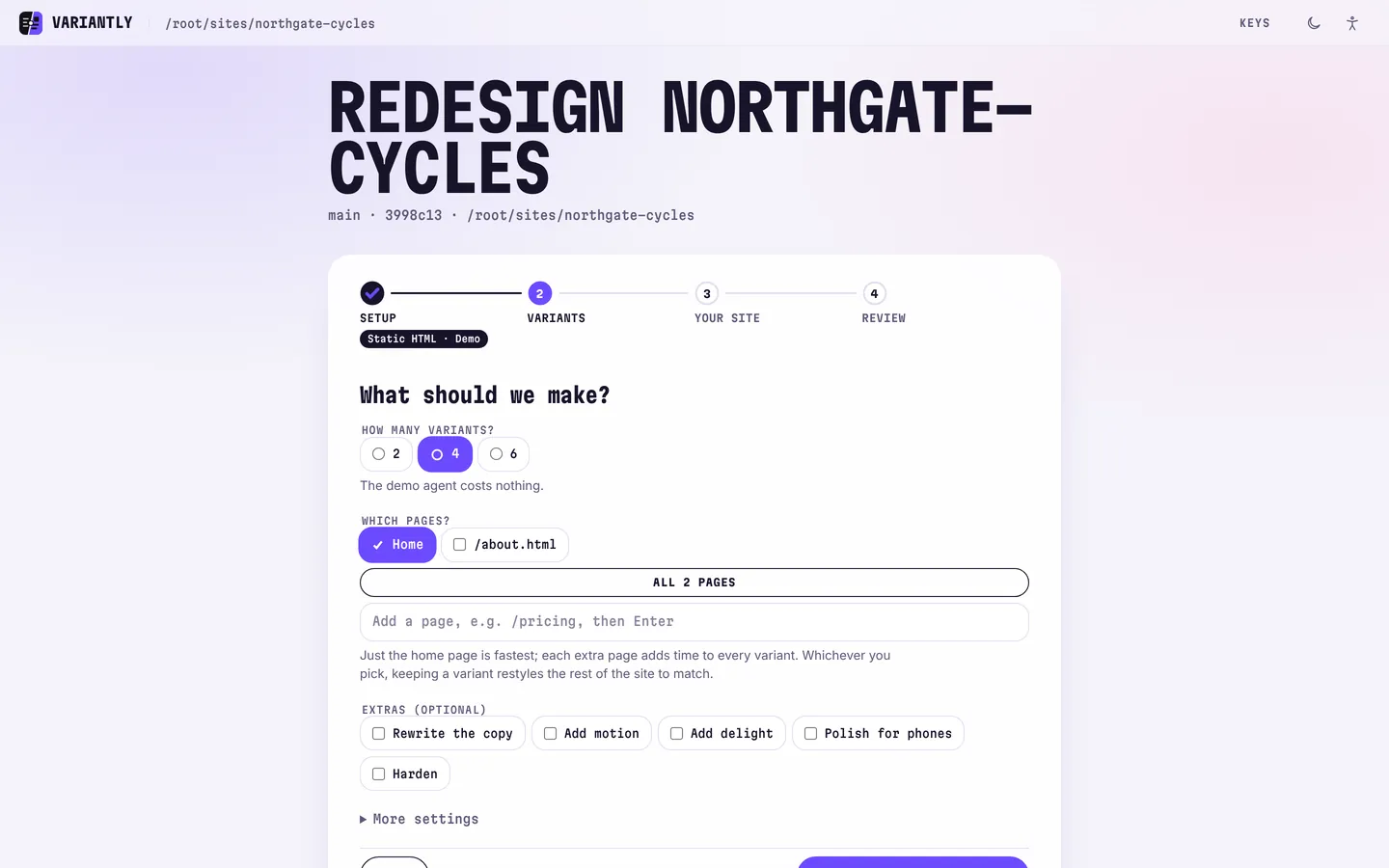
Step 2: Pick how many
Choose 2, 4 or 6 designs and which pages they redesign. Just the home page is fastest; keeping a design later restyles the rest of the site to match.
- Each design is one session on your own AI plan.
- Extras such as Rewrite the copy or Add motion are optional.
localhost:4477Demo agent · Northgate Cycles - Your site · step 3 of 4
Step 3: Say who it’s for
Three short answers help every design aim at your visitors instead of guessing. All optional.
- For: commuters and weekend riders in the neighbourhood.
- Must stay: the price table and the booking form.
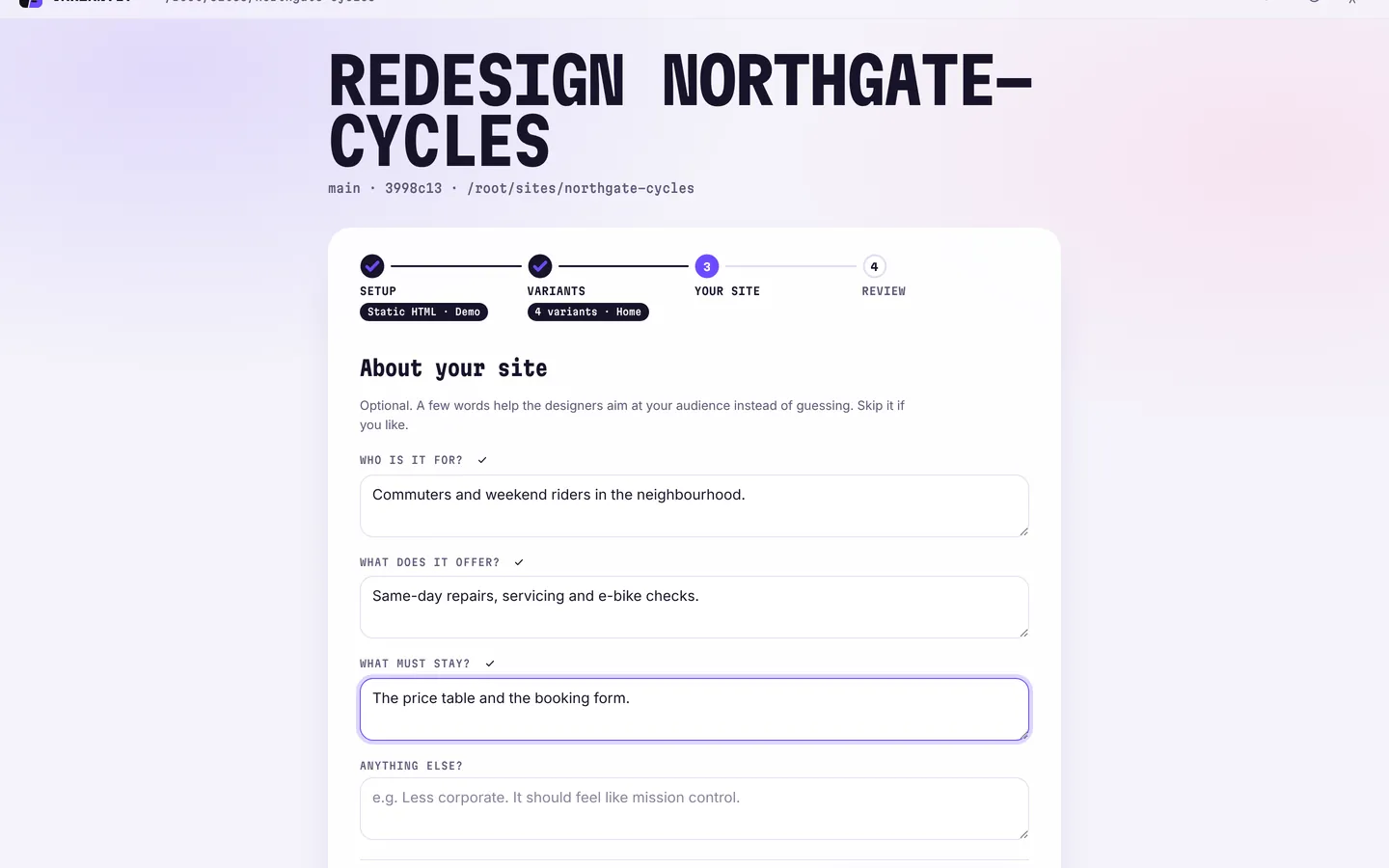
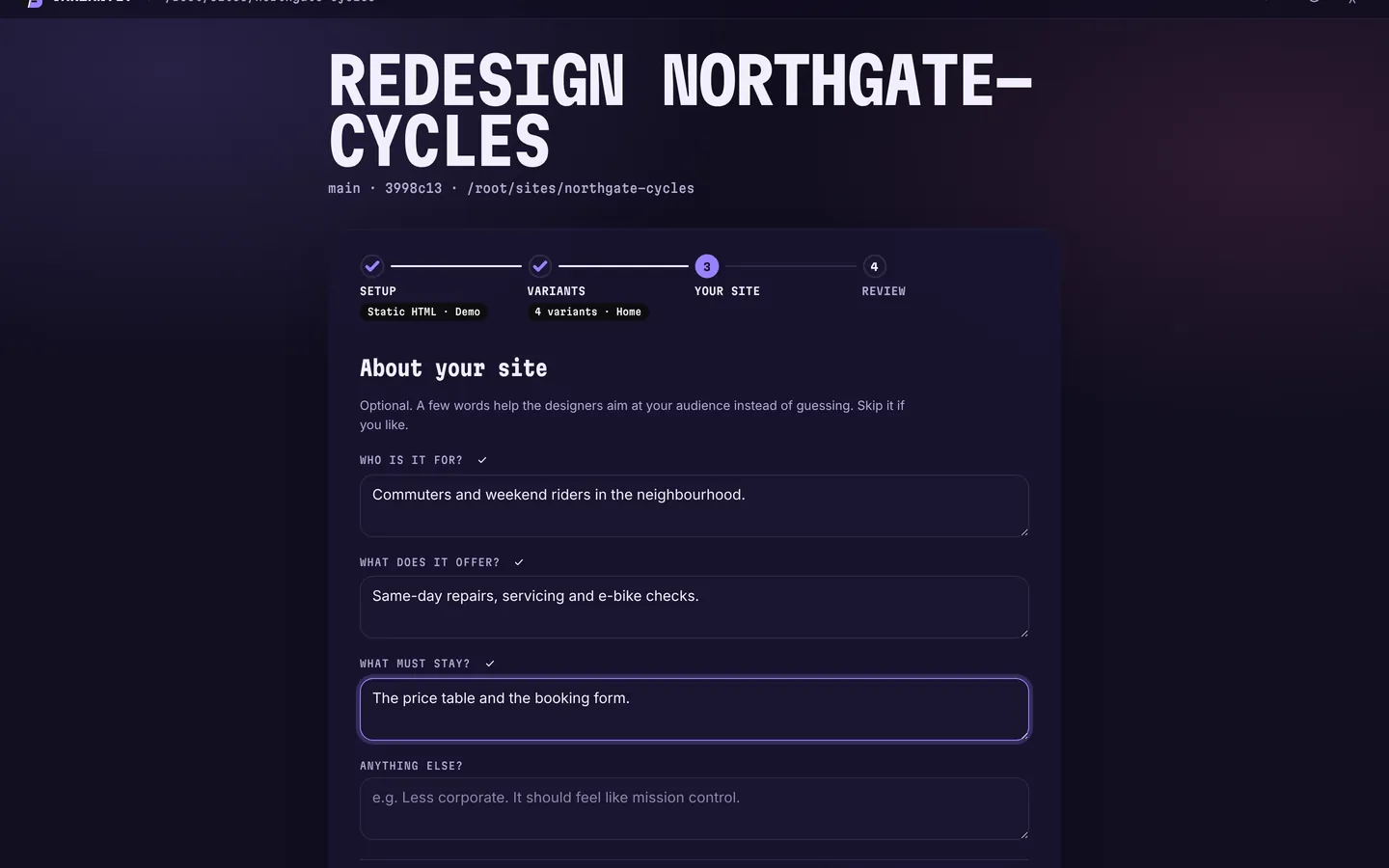
localhost:4477Demo agent · Northgate Cycles - Review · step 4 of 4
Step 4: Check, then start
Every choice on one screen, each with an Edit link. Nothing is spent until you press Make 4 variants.
- App, agent, number of designs, pages, extras and your answers.
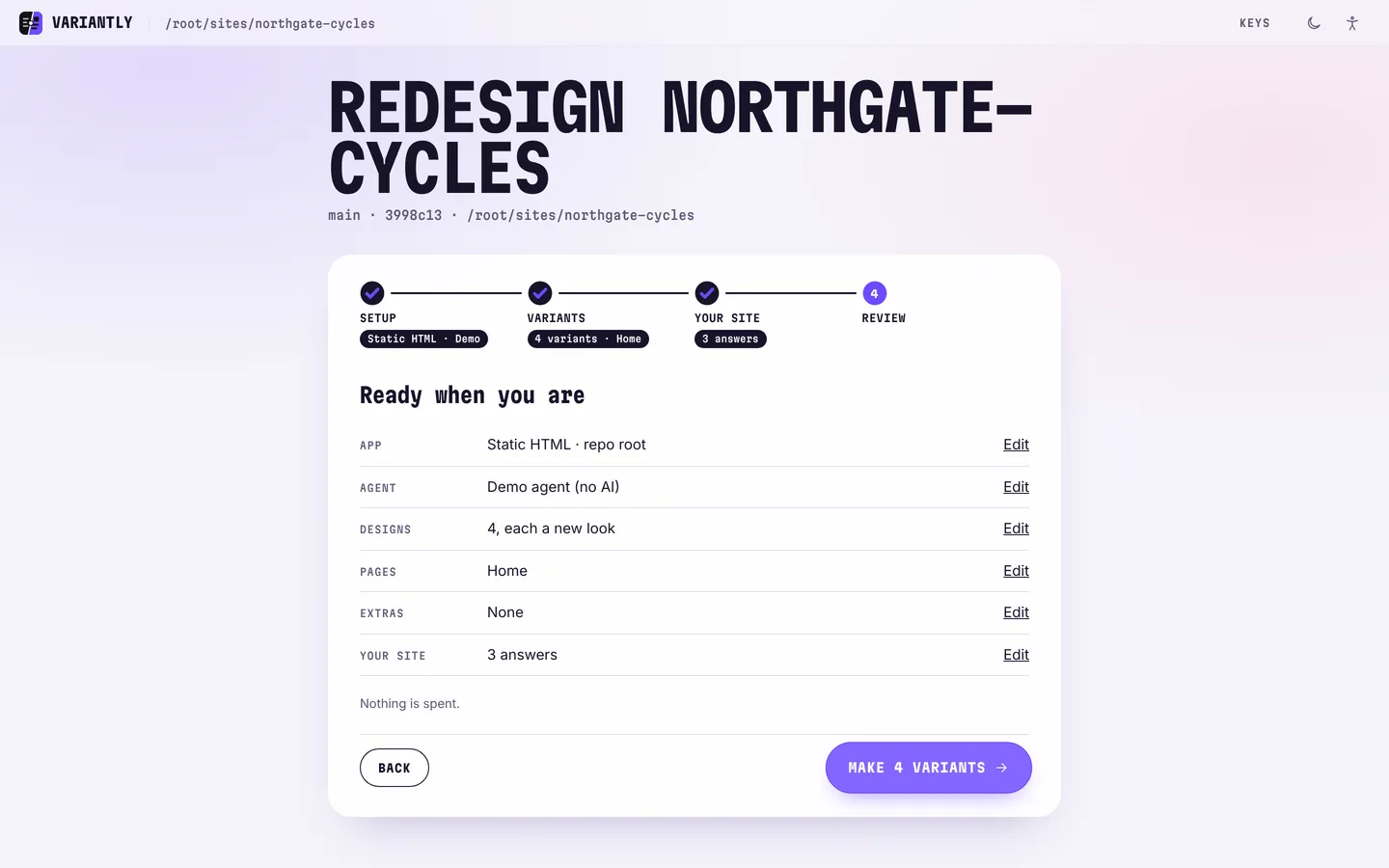
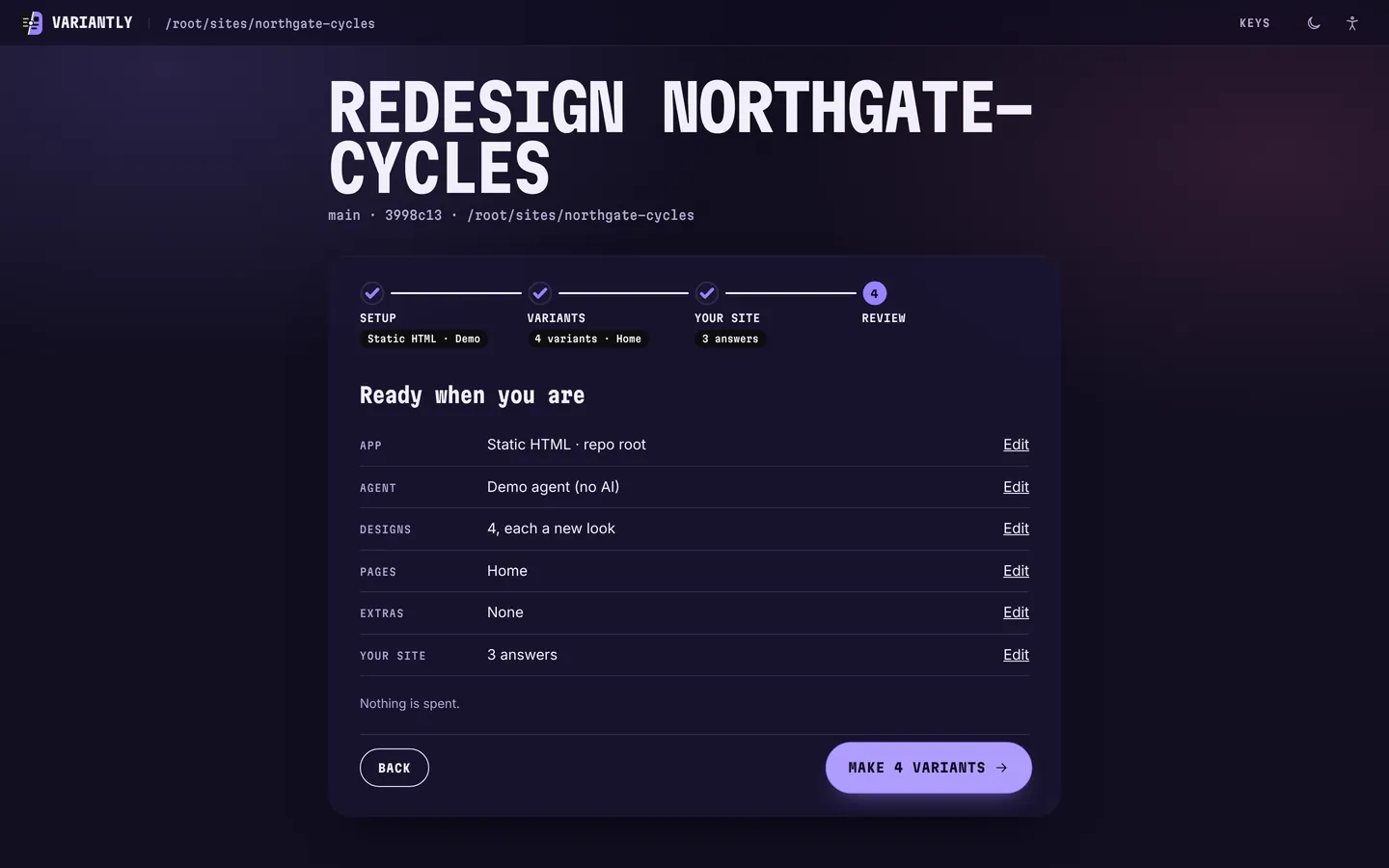
localhost:4477Demo agent · Northgate Cycles - The board · generating
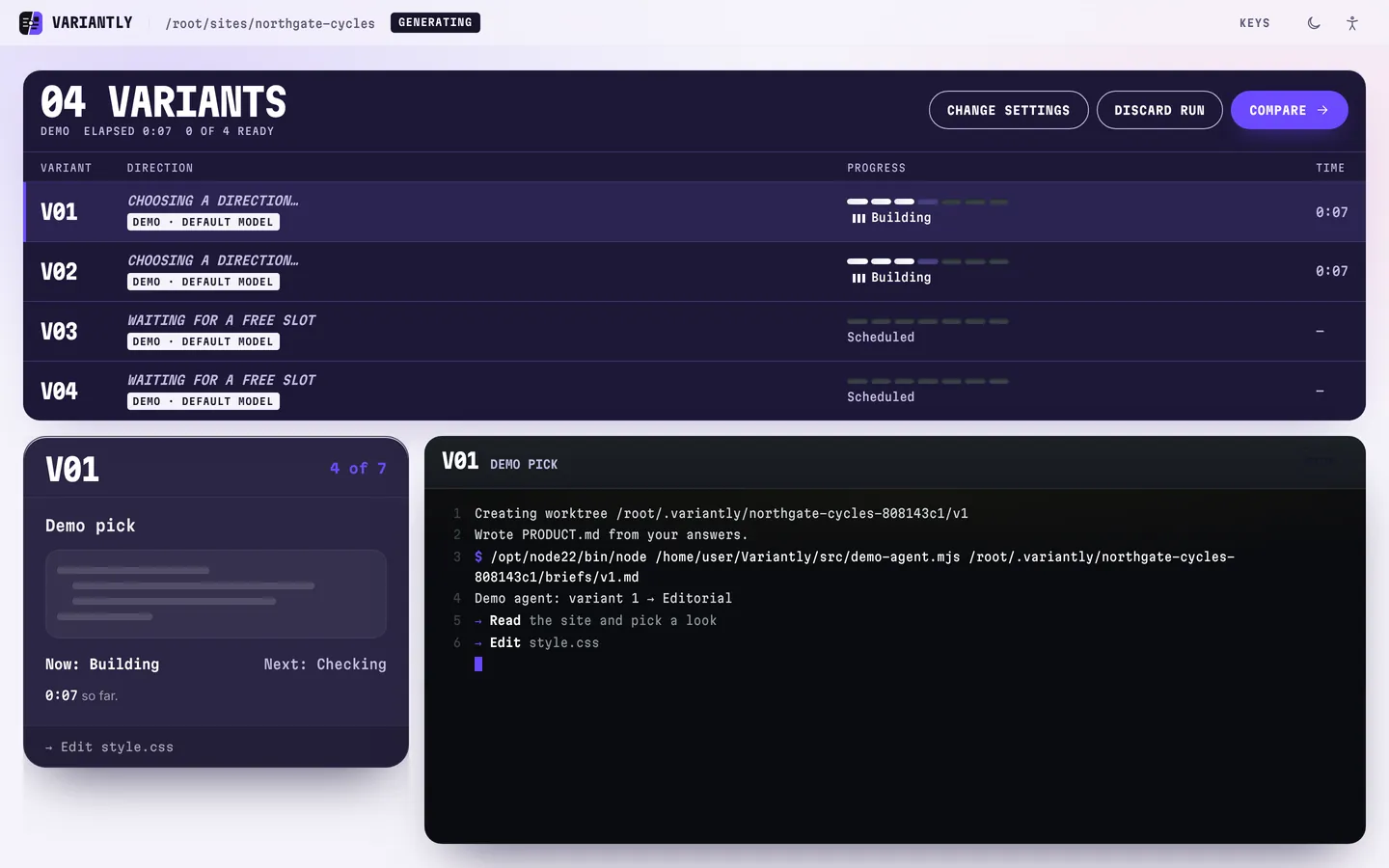
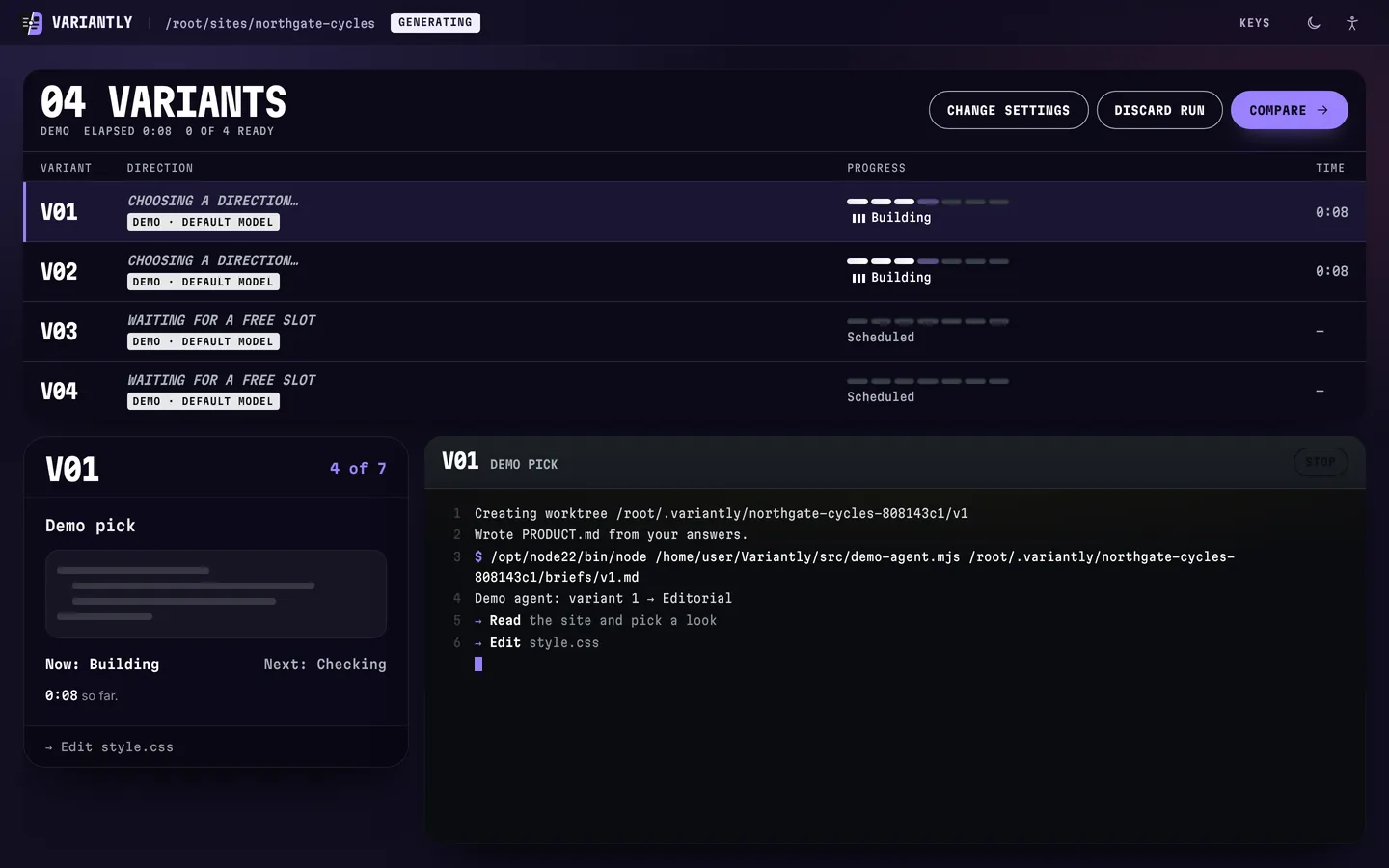
Step 5: Watch them being made
Each design is made in a separate copy of your project, on its own git branch. Your files stay untouched.
- Two designs work at a time; the rest wait for a free slot.
- The panel below shows what the assistant is doing, line by line.
- A design that fails says why, and you can retry it.
localhost:4477Demo agent · Northgate Cycles - Compare · design 3
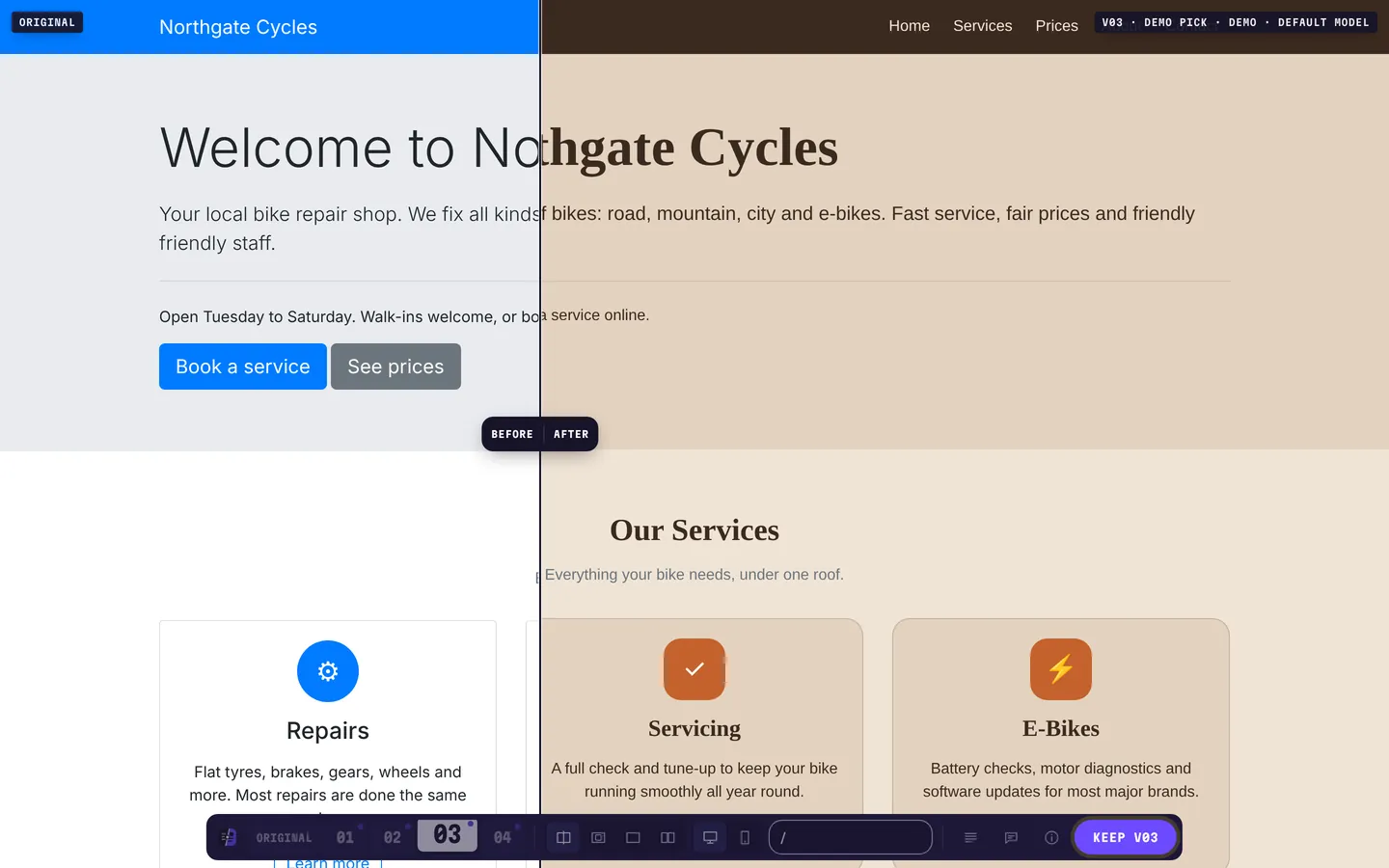
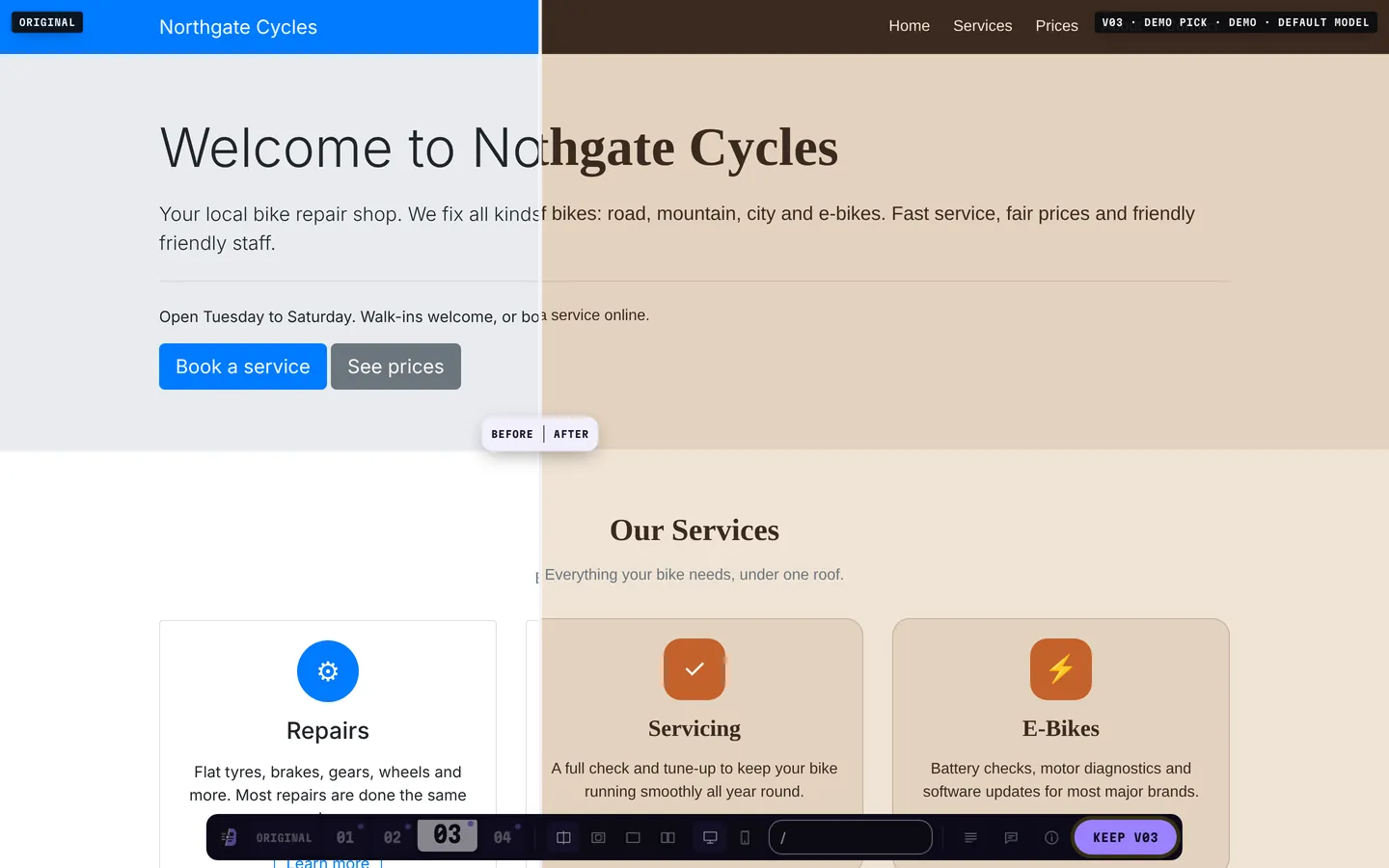
Step 6: Flick and compare
Your real site, running. Press 1 to 4 to flick between designs and drag the divider for before and after.
- Left: Northgate Cycles as it was. Right: design 3.
- Every link and button still works; it is the live site.
- The dock at the bottom tucks away while you scroll.
localhost:4477Demo agent · Northgate Cycles - Compare · keep
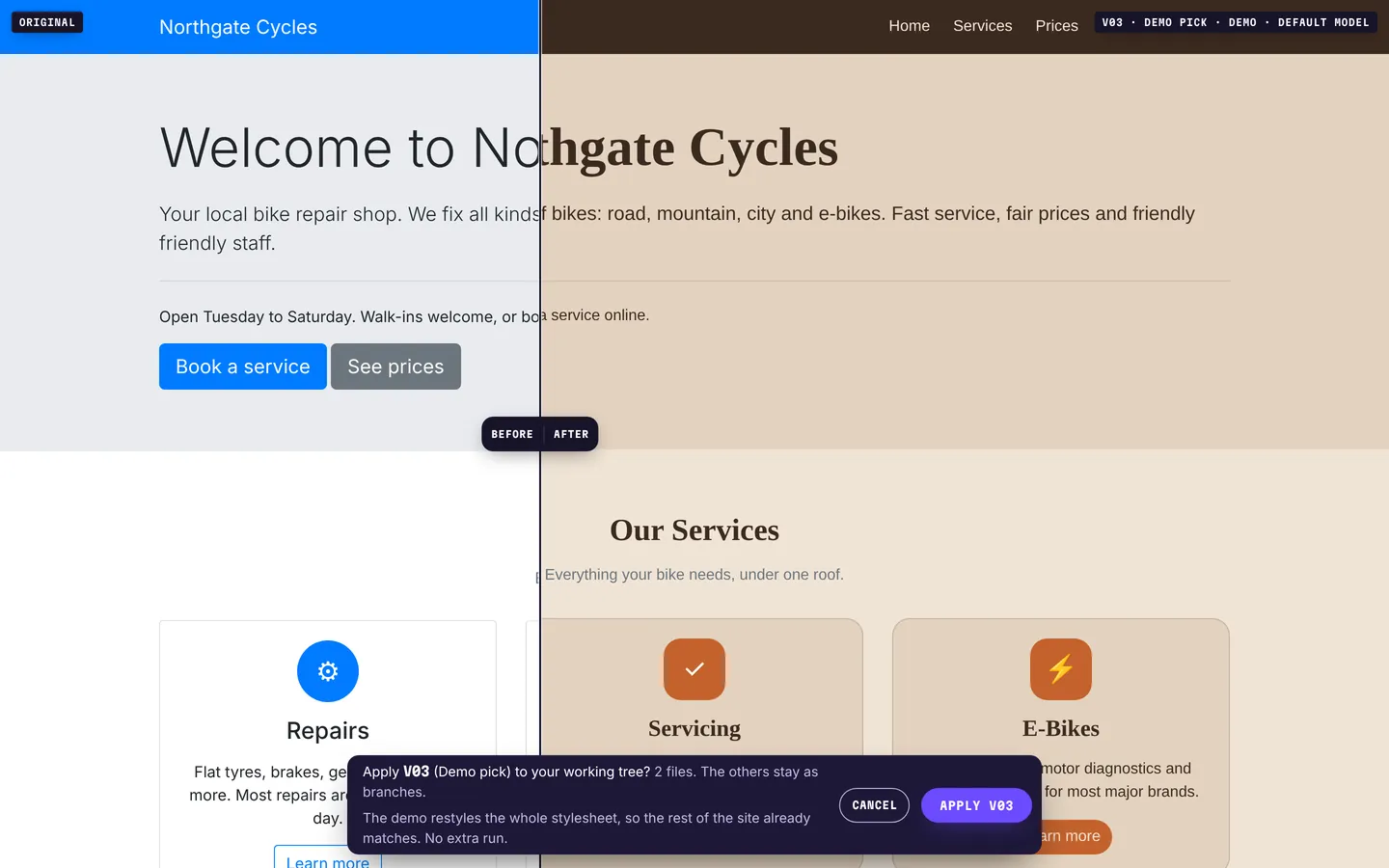
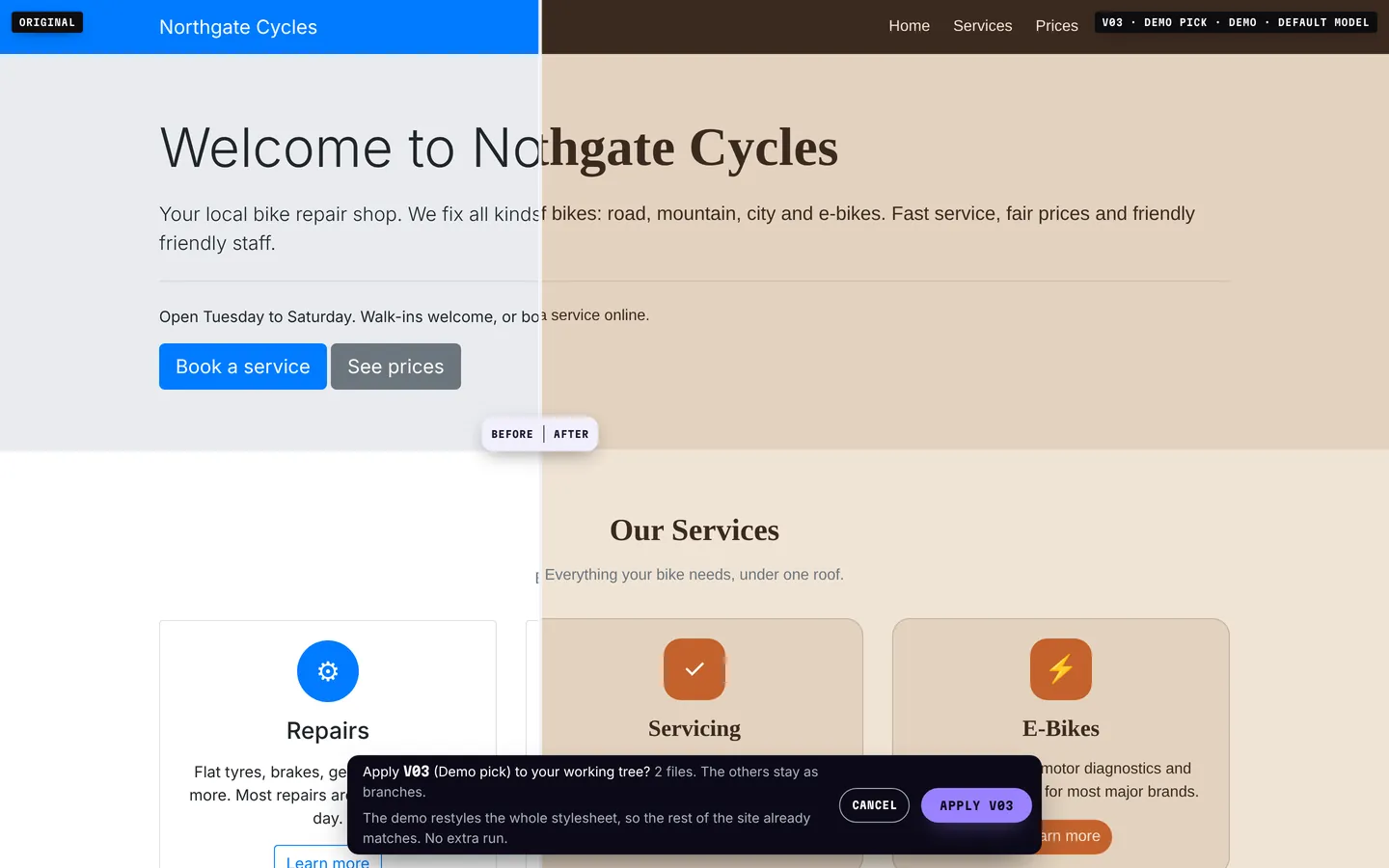
Step 7: Keep one
Press Keep. Before anything changes, variantly says what will: here, two files.
- The other designs stay as branches, in case you change your mind.
localhost:4477Demo agent · Northgate Cycles - Kept · design 3
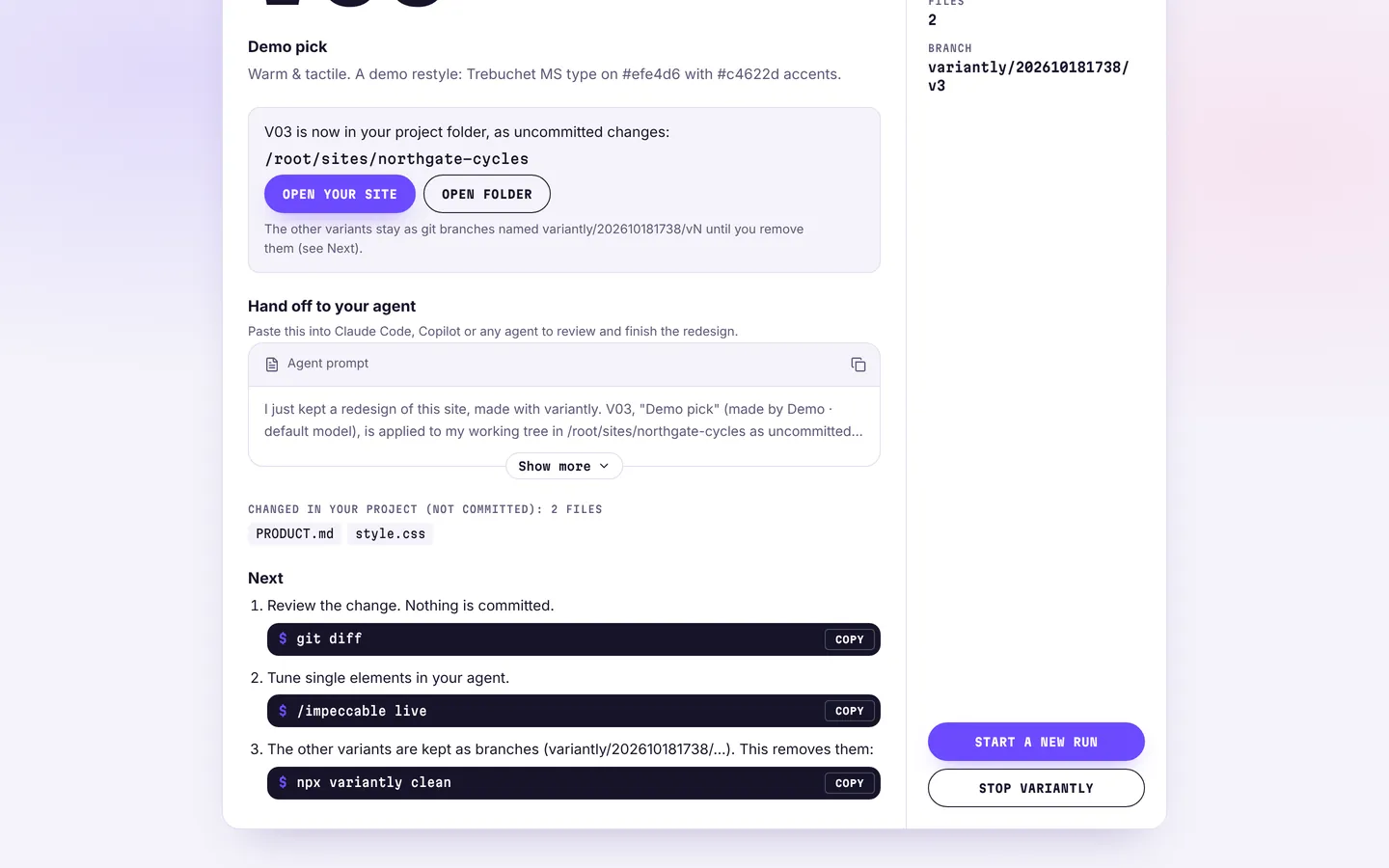
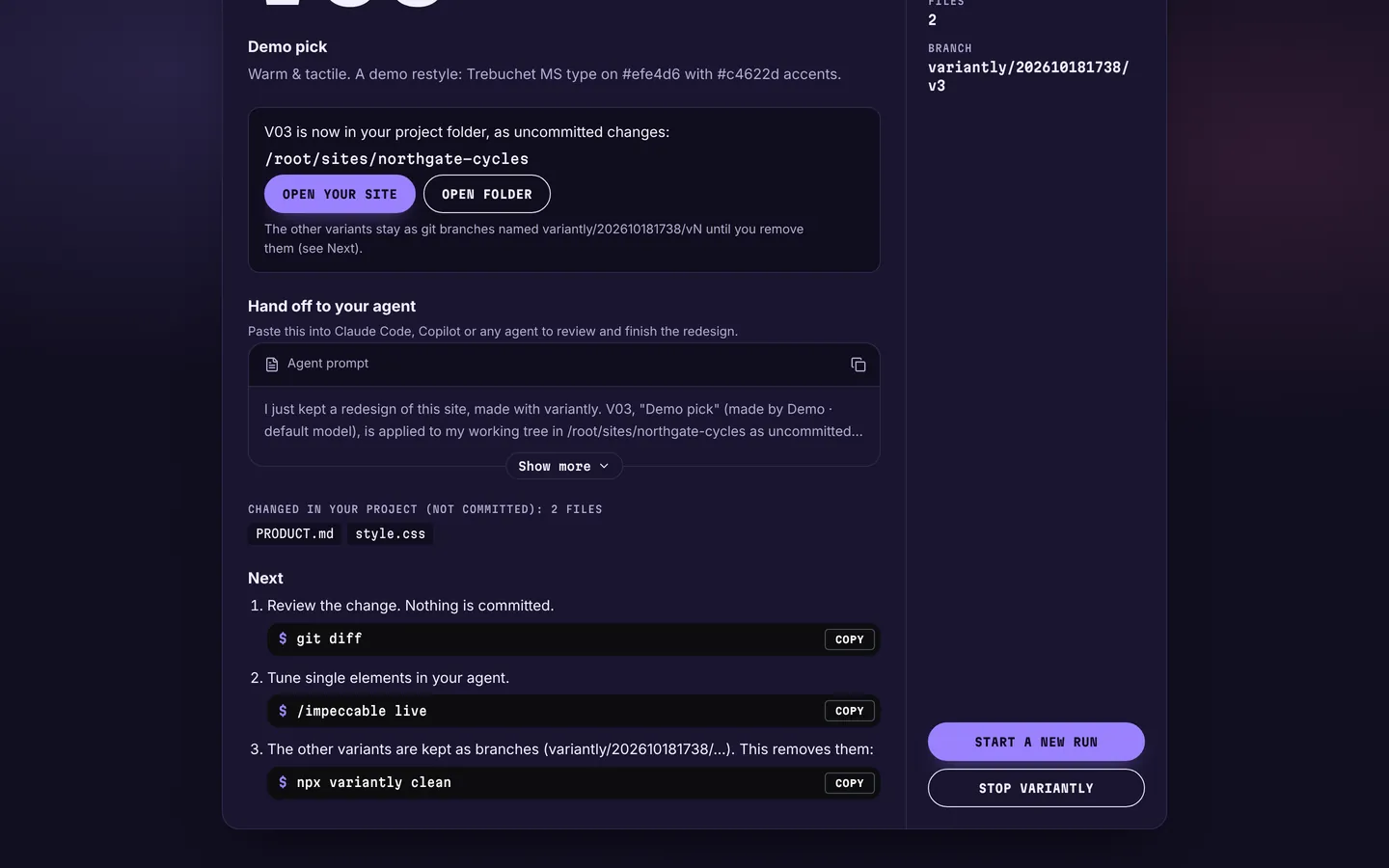
Step 8: It’s in your folder
The design is now uncommitted changes in your project. Read them, commit them, or throw them away: it’s your call.
git diffshows exactly what changed.- A ready-made prompt hands it to your assistant to finish.
npx variantly cleanremoves the other designs.
localhost:4477Demo agent · Northgate Cycles


Try the same run
Run it in your site's folder. Add --demo to try it with no AI first. Need git or Node.js? Get started lists all four things it needs.
npx variantly